

Everything lives under the Maps menu. Here is what each screen does.
My Maps
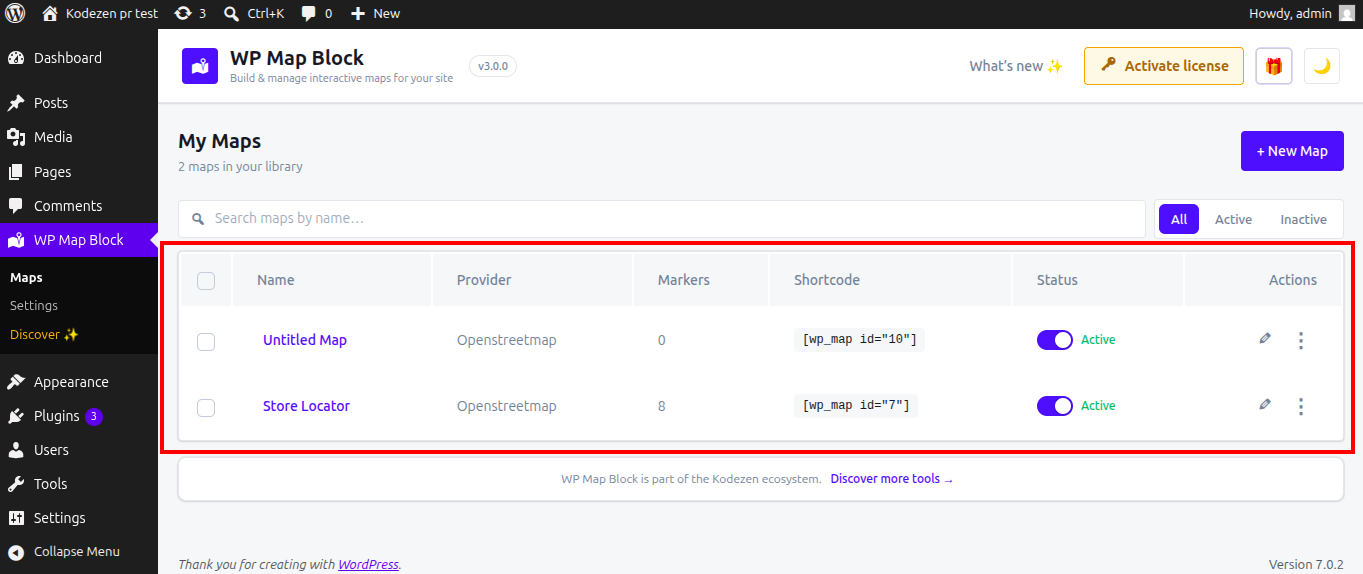
The list of every map you have built. Create a new map, edit, duplicate or delete, and copy a map’s shortcode straight from the list.
The builder
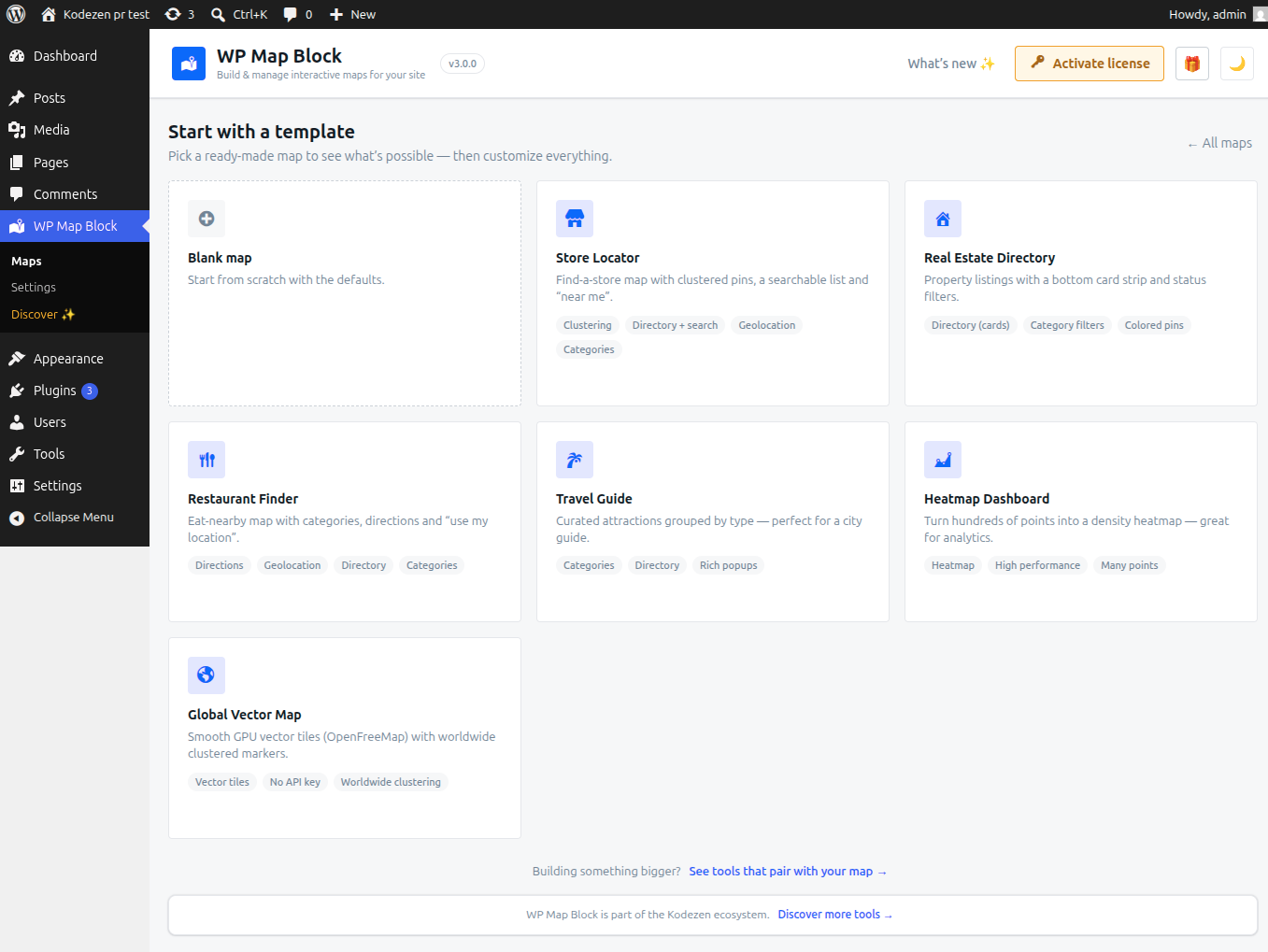
Where you design a map on a live preview — providers, markers, styling and data. See Create your first map.
Settings
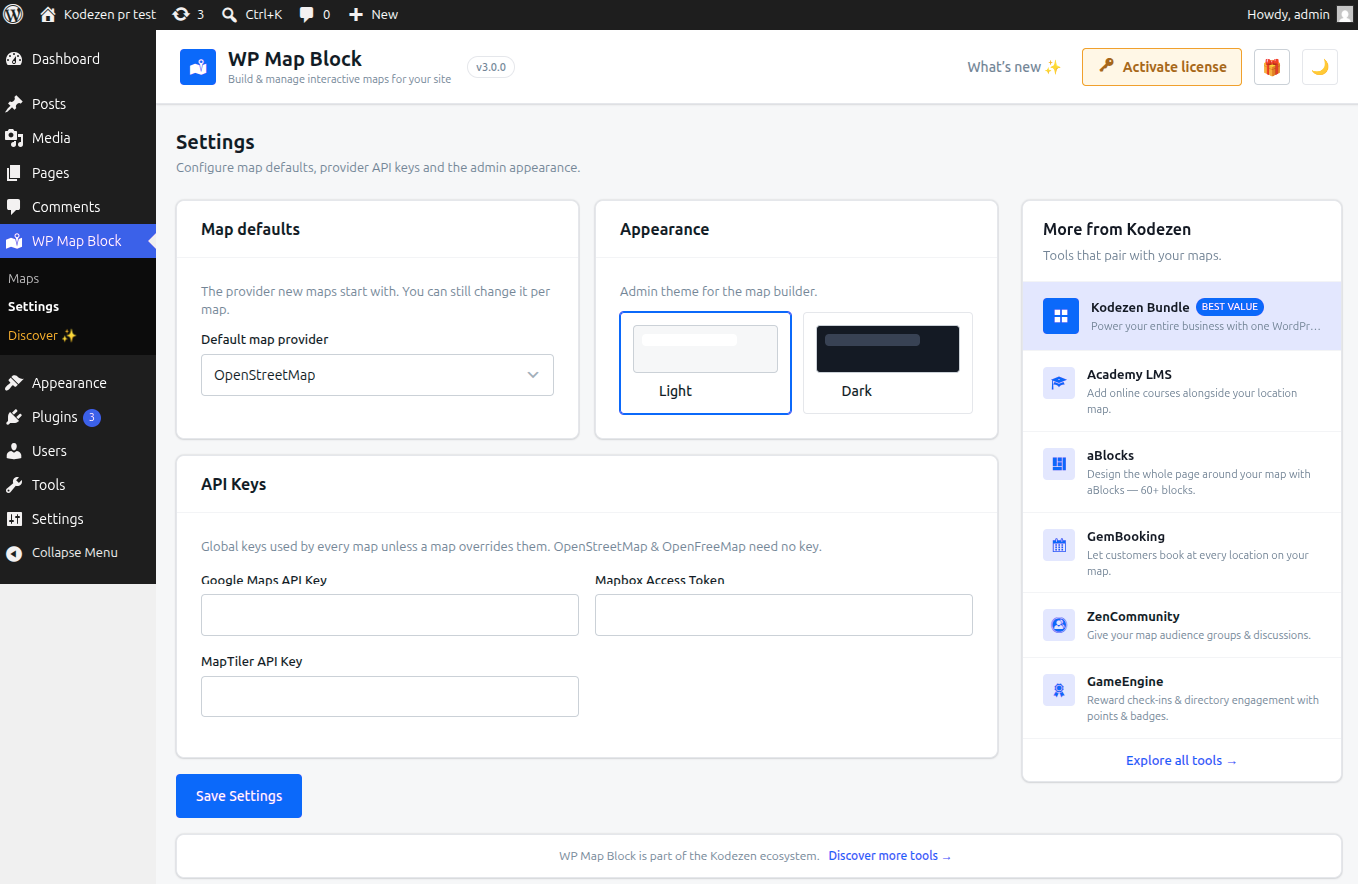
Global options: your API keys, the default provider for new maps, and the admin theme. See Global settings.
Discover
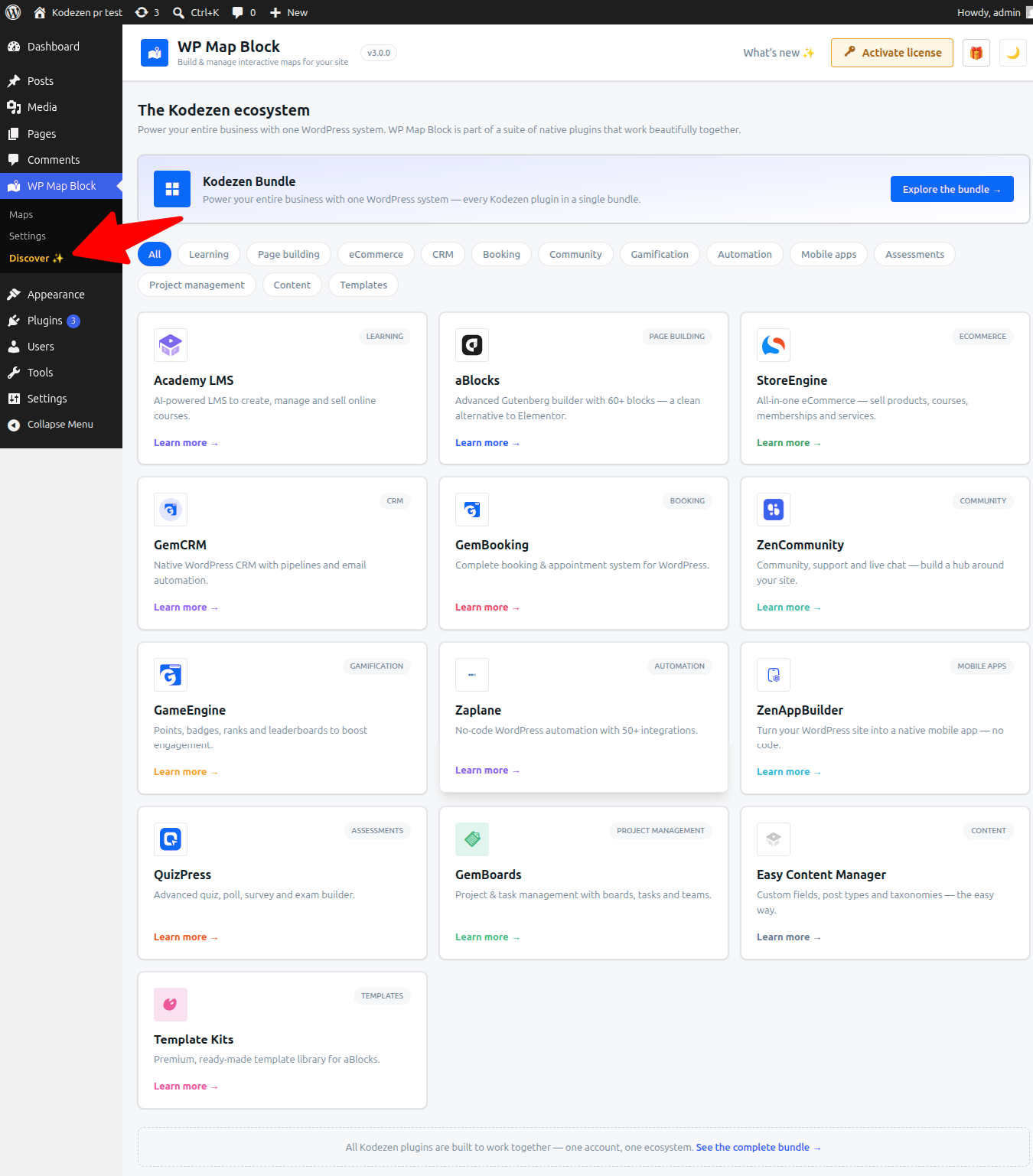
The Kodezen ecosystem — other plugins that pair with WP Map Block.
Upgrade / License
Compare Free vs Pro, and (with Pro installed) activate your license.