

Export lets you back up a map or move it to another site.
Export a map
- Open the map and go to the Data tab.
- Click Export to download a JSON file containing the map’s settings and markers.
Import it elsewhere
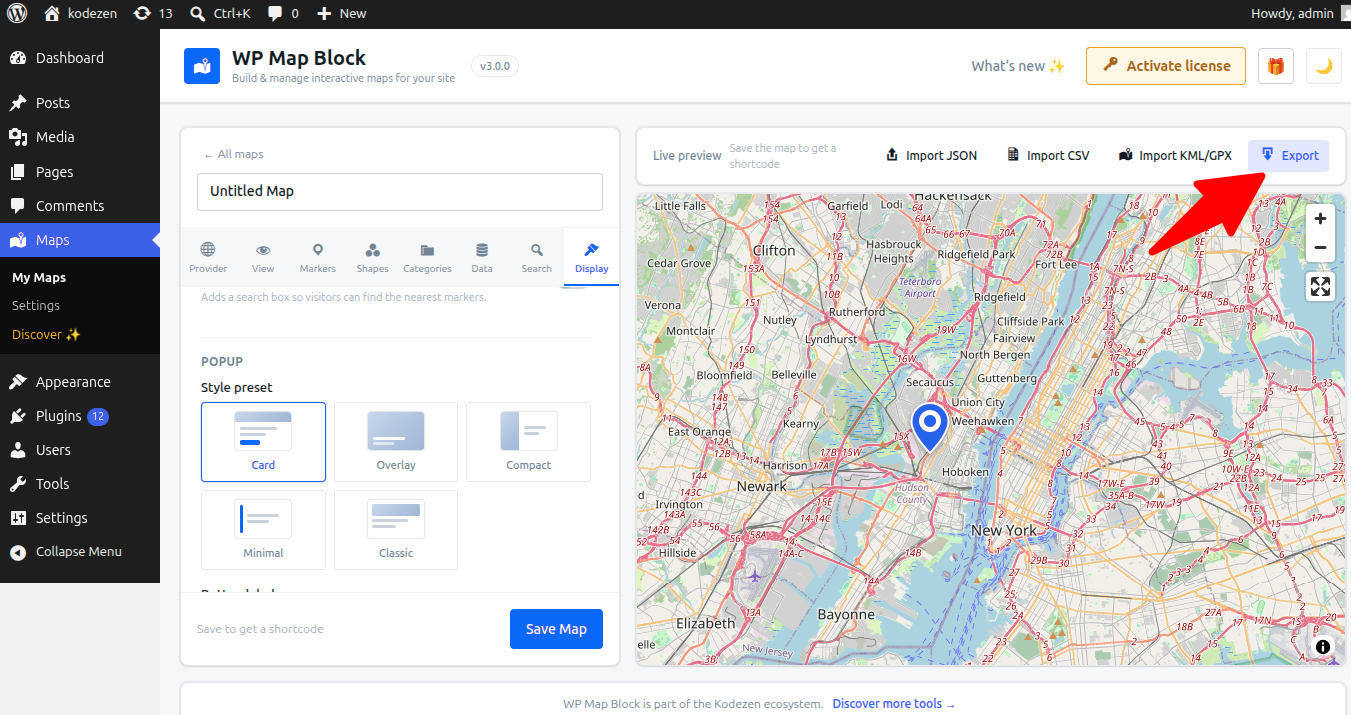
On another site running WP Map Block, create a map and use Import to load the JSON — the map rebuilds with all its markers and settings.
Exports are a great pre-migration backup. Keep a copy before large edits.