

Google Maps is free to use with your own API key (Google’s generous free tier covers most sites). Here’s how to create one and add it.
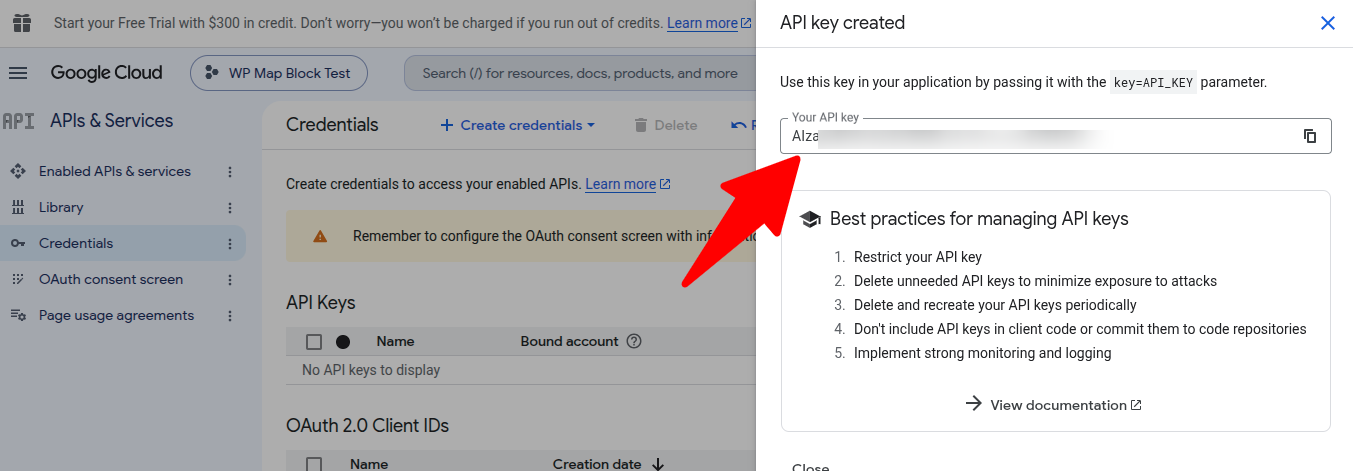
Create the key
- Open the Google Cloud Console and create (or select) a project.
- Enable the Maps JavaScript API.
- Under Credentials, create an API key.
- Restrict the key to your site’s domain (HTTP referrers) for safety.
Add it to WP Map Block
- Go to
Maps → Settings. - Paste the key into the Google Maps API key field.
- Save — Google is now selectable in any map’s Provider panel.
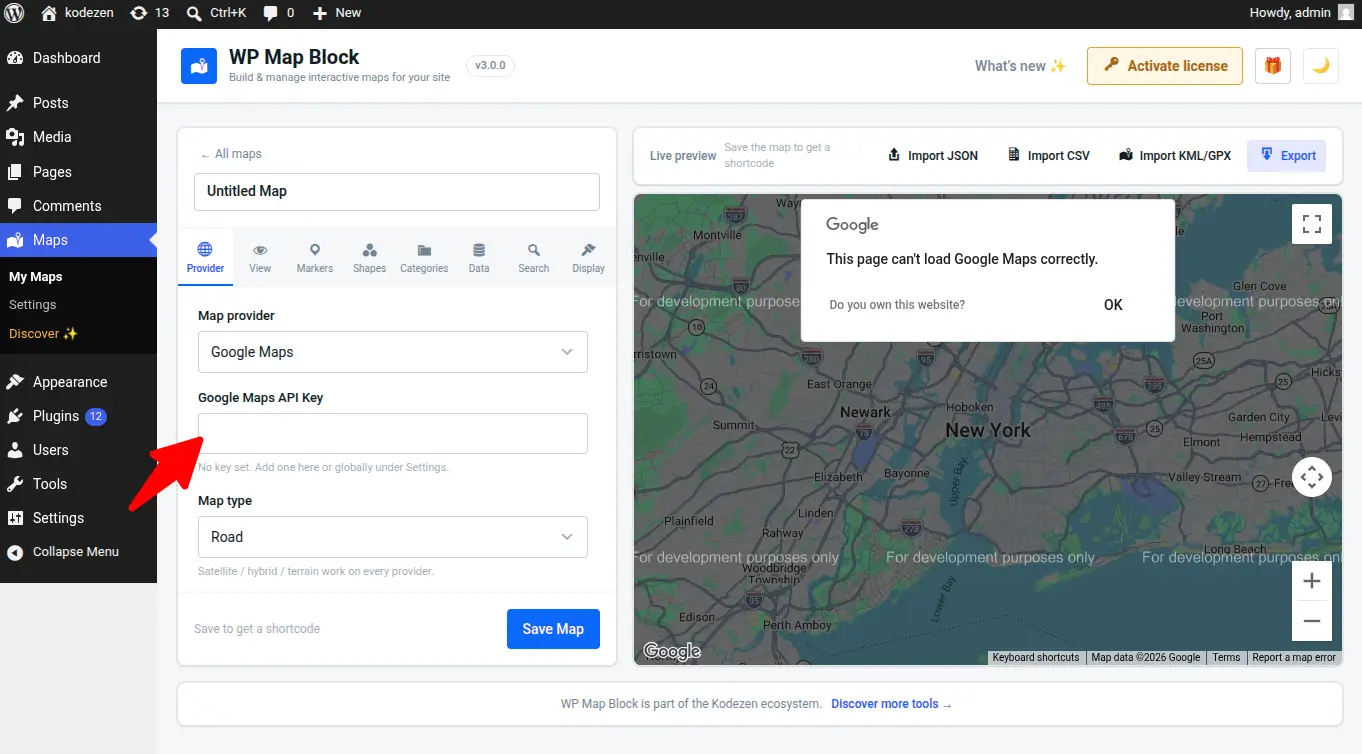
Seeing a grey map or “For development purposes only”? The key is missing, unrestricted incorrectly, or billing isn’t enabled on the Google project. See Troubleshooting.