

Dynamic data is the map that maintains itself. Instead of adding markers by hand, point the map at a content source and every matching item becomes a marker — and the map updates as your content changes.
Supported sources
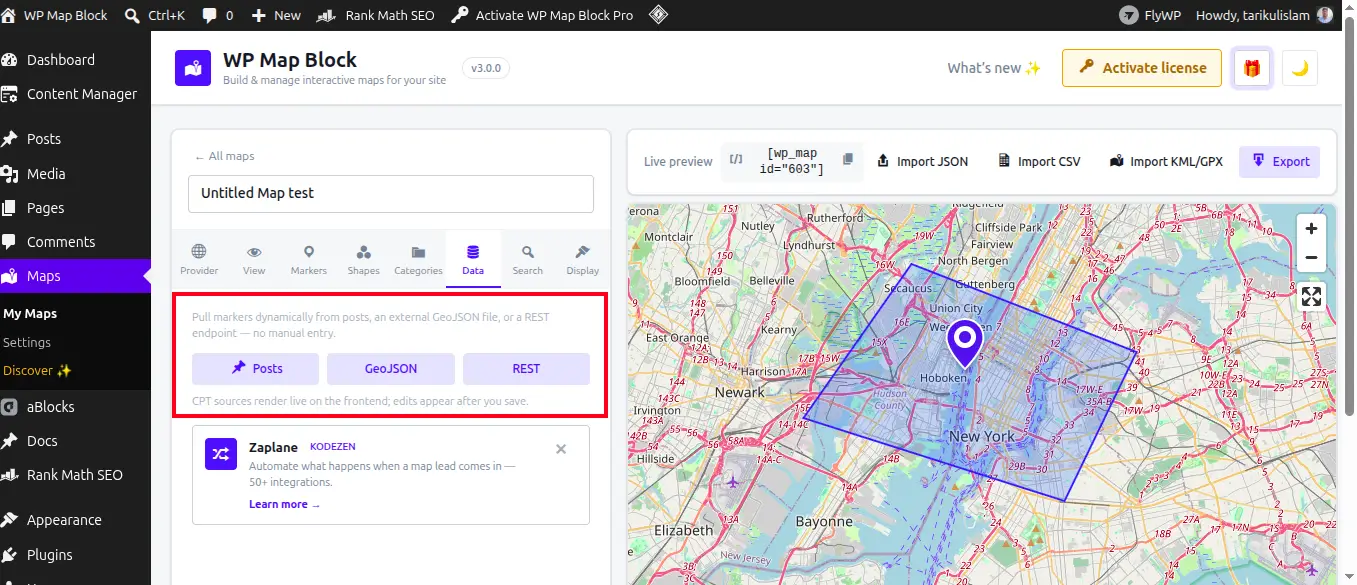
- Posts and any custom post type
- ACF and custom fields (including ACF map fields)
- WooCommerce products / stores
- REST endpoints for external data
Set it up
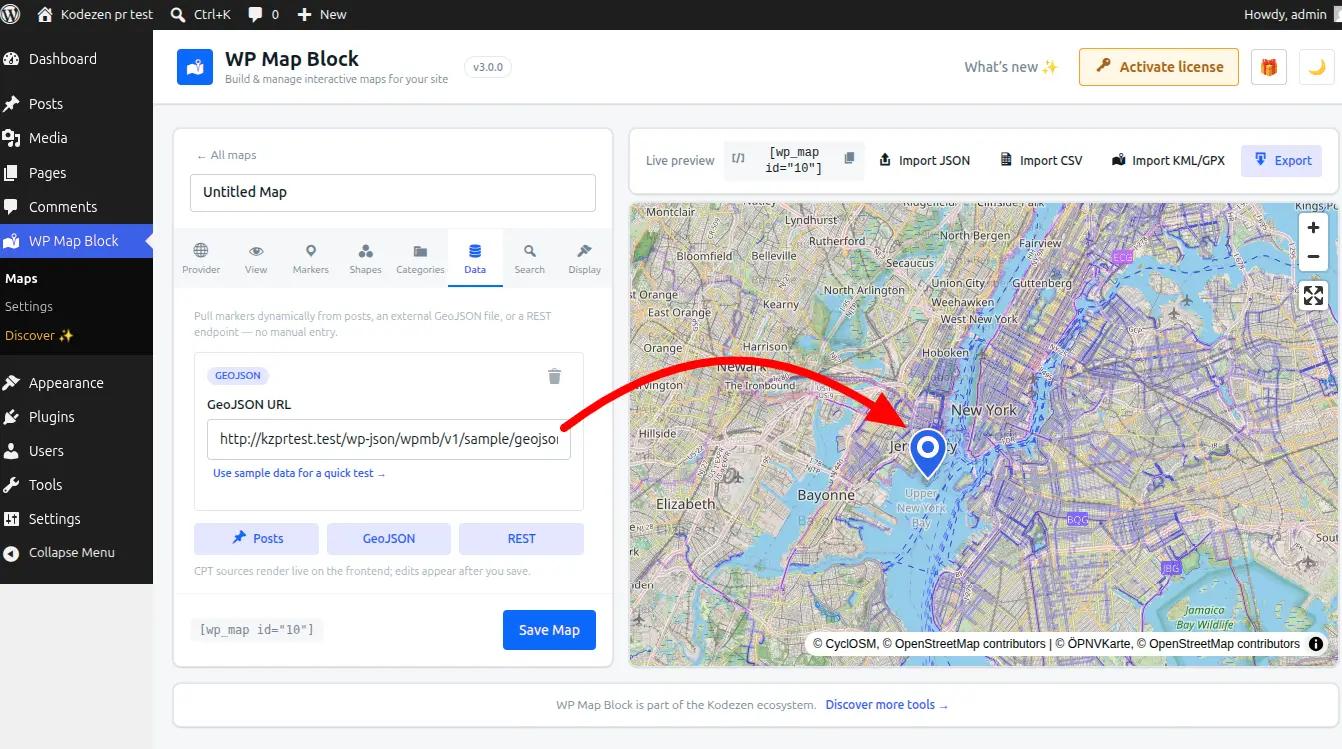
- Open the map’s Data sources panel and choose a dynamic source.
- Select the post type (or WooCommerce / REST source).
- Map the latitude and longitude fields — an ACF map field provides both at once.
- Optionally add filters (category, status, in-stock, …) to limit which items appear.
- Save — every matching item is now a marker.
Best practice: store coordinates in an ACF map field. It geocodes the address for you and keeps latitude/longitude together, so there’s no manual data entry.
Popups from your content
Marker popups can pull the item’s title, excerpt, featured image and permalink automatically — so a new post shows up on the map, fully formed, the moment you publish it.
Dynamic data is the foundation for the store locator.