

A store locator lets visitors find their nearest location by postcode or current position, with a distance-sorted list beside the map. It’s the highest-converting layout for multi-location businesses.
Enable the locator
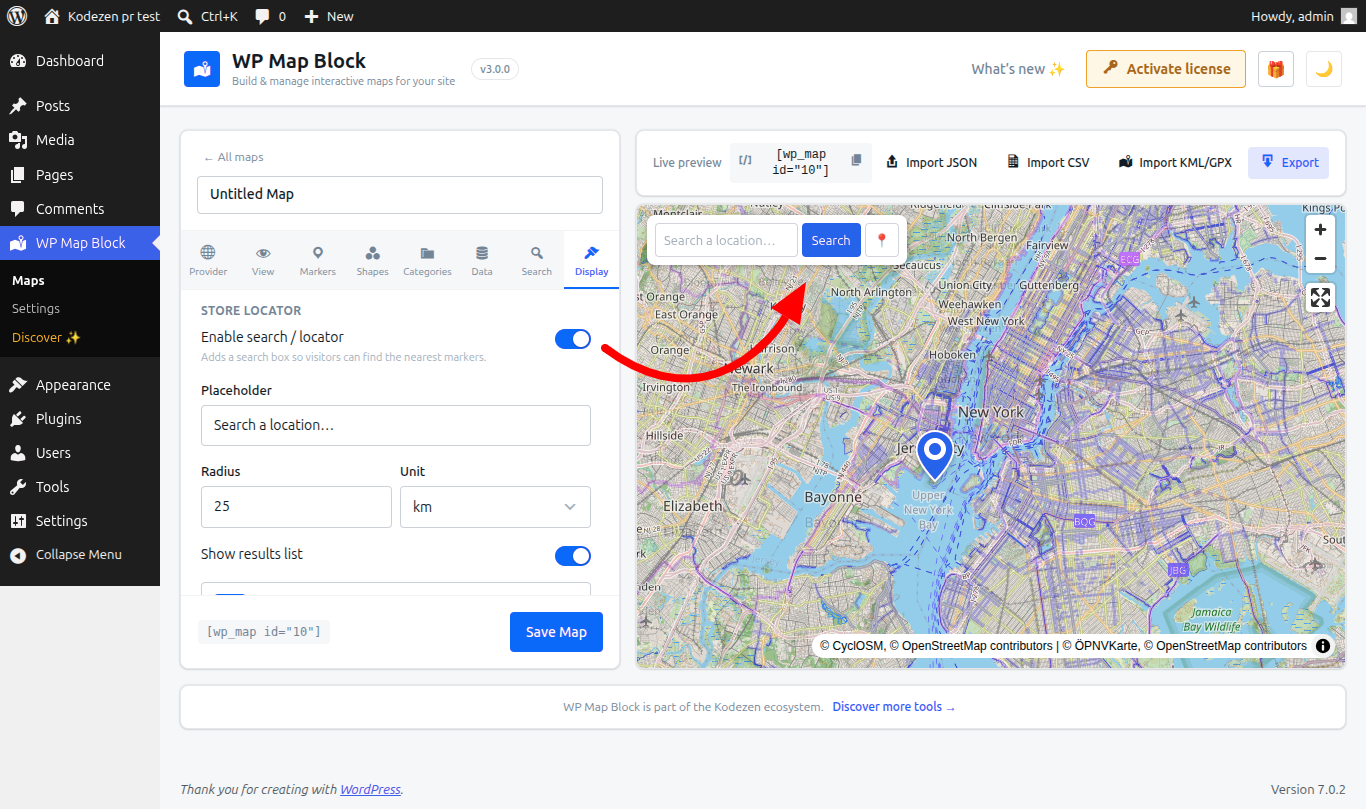
- Build a map with your locations — as manual markers or a dynamic source.
- Turn on Store locator in the map’s settings.
- Save and place the map with the block or shortcode.
[wp_map id="42" map_height="560"]Search & geolocation
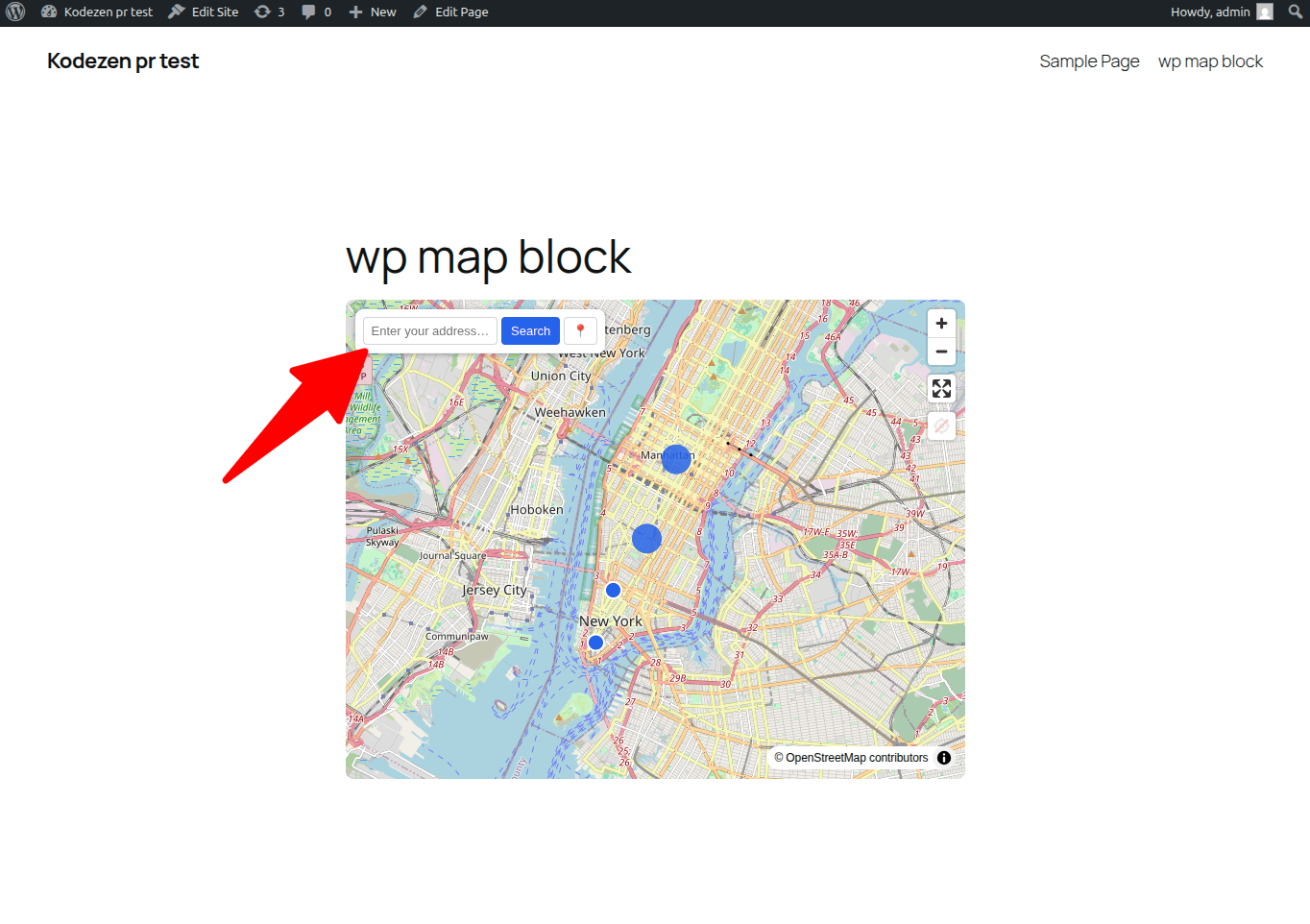
Visitors type a postcode/address, or tap use my location to search from where they are. The map recenters and the results reorder by distance.
The results directory
- A browsable, collapsible list beside (or below) the map.
- Each result shows distance, details and a link — click to focus its marker.
- Combine with categories to let visitors filter results.
Wire the locator to WooCommerce or an ACF source so it stays in sync as you add locations — see Dynamic data sources.